Testing KeyCloak Authentication For SPA
Updated
•1 min readM
Mohamad's interest is in Programming (Mobile, Web, Database and Machine Learning). He is studying at the Center For Artificial Intelligence Technology (CAIT), Universiti Kebangsaan Malaysia (UKM).
Set Test Settings
Browse https://www.keycloak.org/app/
Enter details:
Keycloak URL:
https://app.please-open.itRealm:
55d432eb-7104–44b5–8069–03554761a6d5(change this to your own id)Client:
myclient
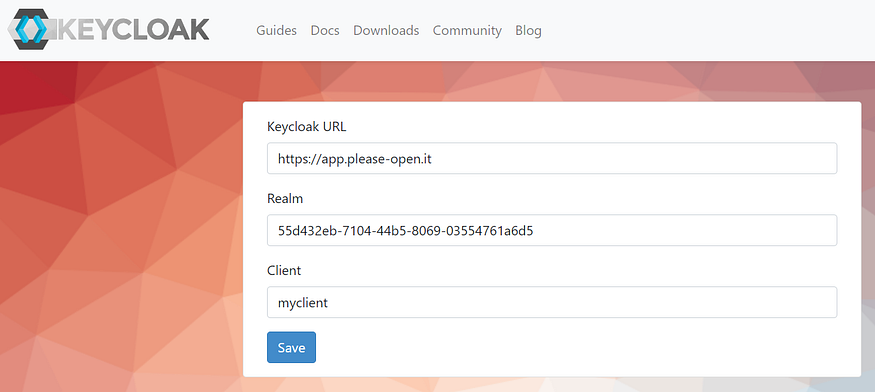
Using Cloud version (https://app.please-open.it/)
Click Save button.
Test Sign In
Click Sign in button.
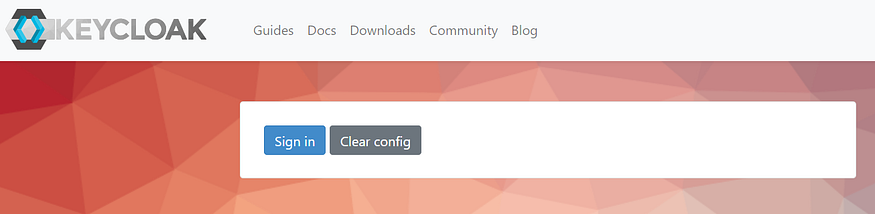
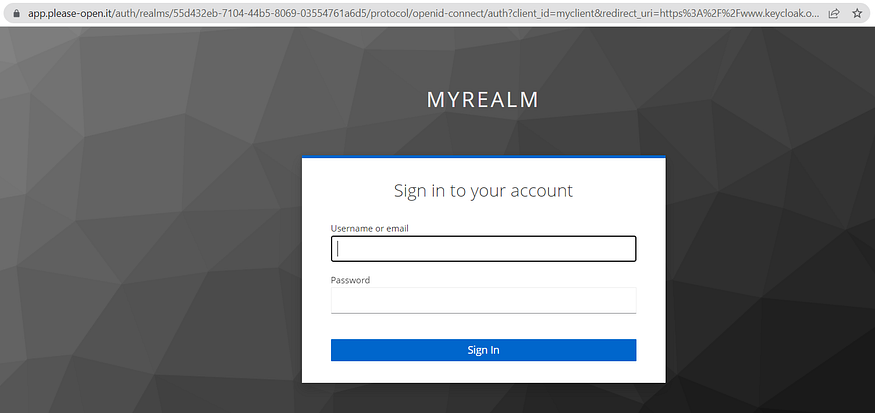
You will be required to sign in.
If your sign in process is successful, you will be redirected back to the previous page.
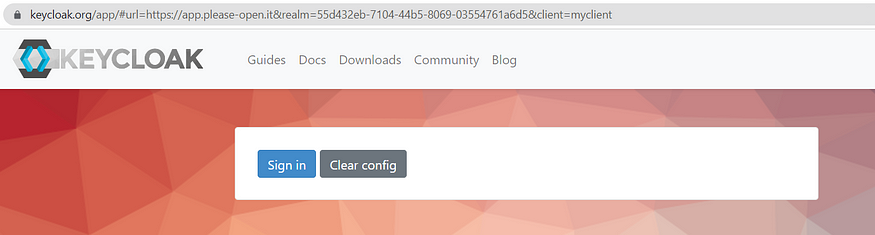
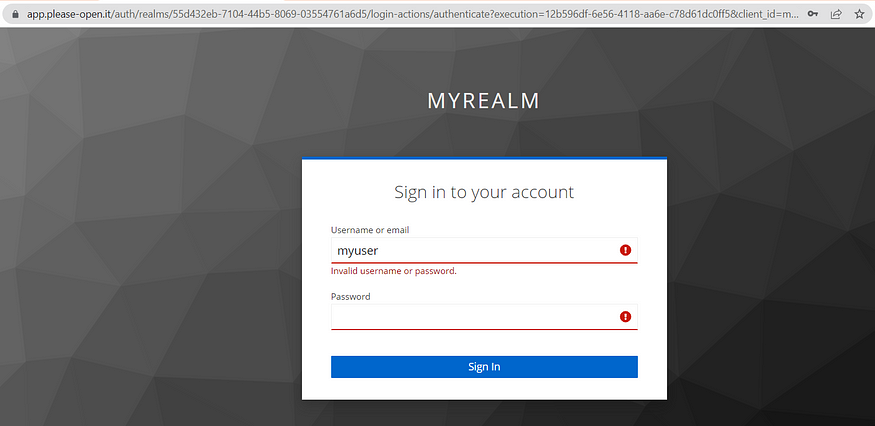
Or else, a failed attempt will stuck here.
Reference: https://www.keycloak.org/docs/latest/server_admin/index.html (Version 22.0.1)
32 views